
I run a business.
Set up your company and start with this month’s bank statement.
Start free for 14 daysSouth African cloud accounting
Import the bank statement, send invoices, run payroll and pull the VAT201 figures from one set of books. At year-end the annual financial statements and the CIPC records come from the same figures. For the people running the business, and the practices keeping the books.
Set up your company and start with this month’s bank statement.
Start free for 14 daysOne practice workspace. A separate ledger for every client.
Set up your practiceNo card needed. R499 per company per month, everything included.
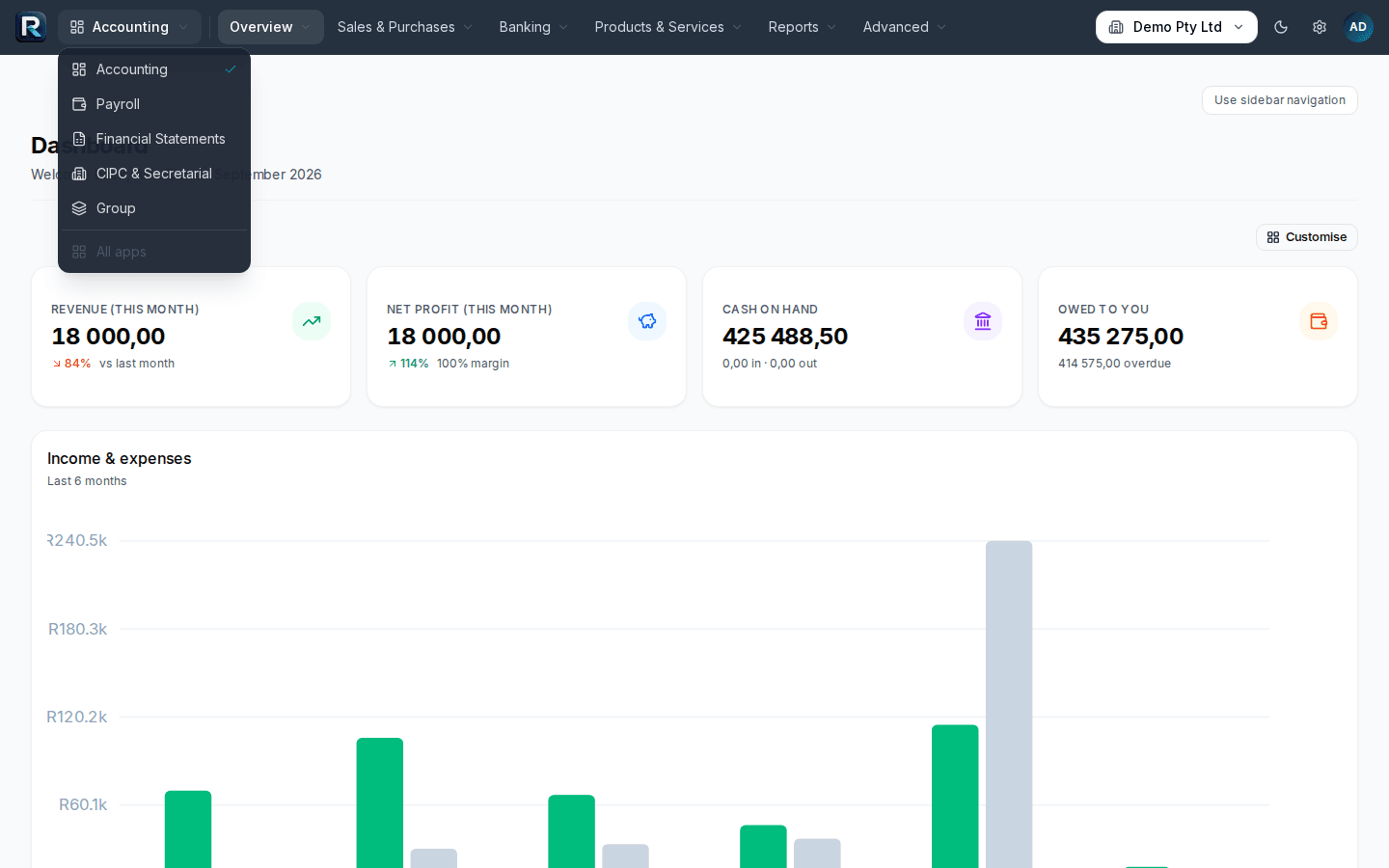
Every module is in every subscription. Nothing is an add-on.
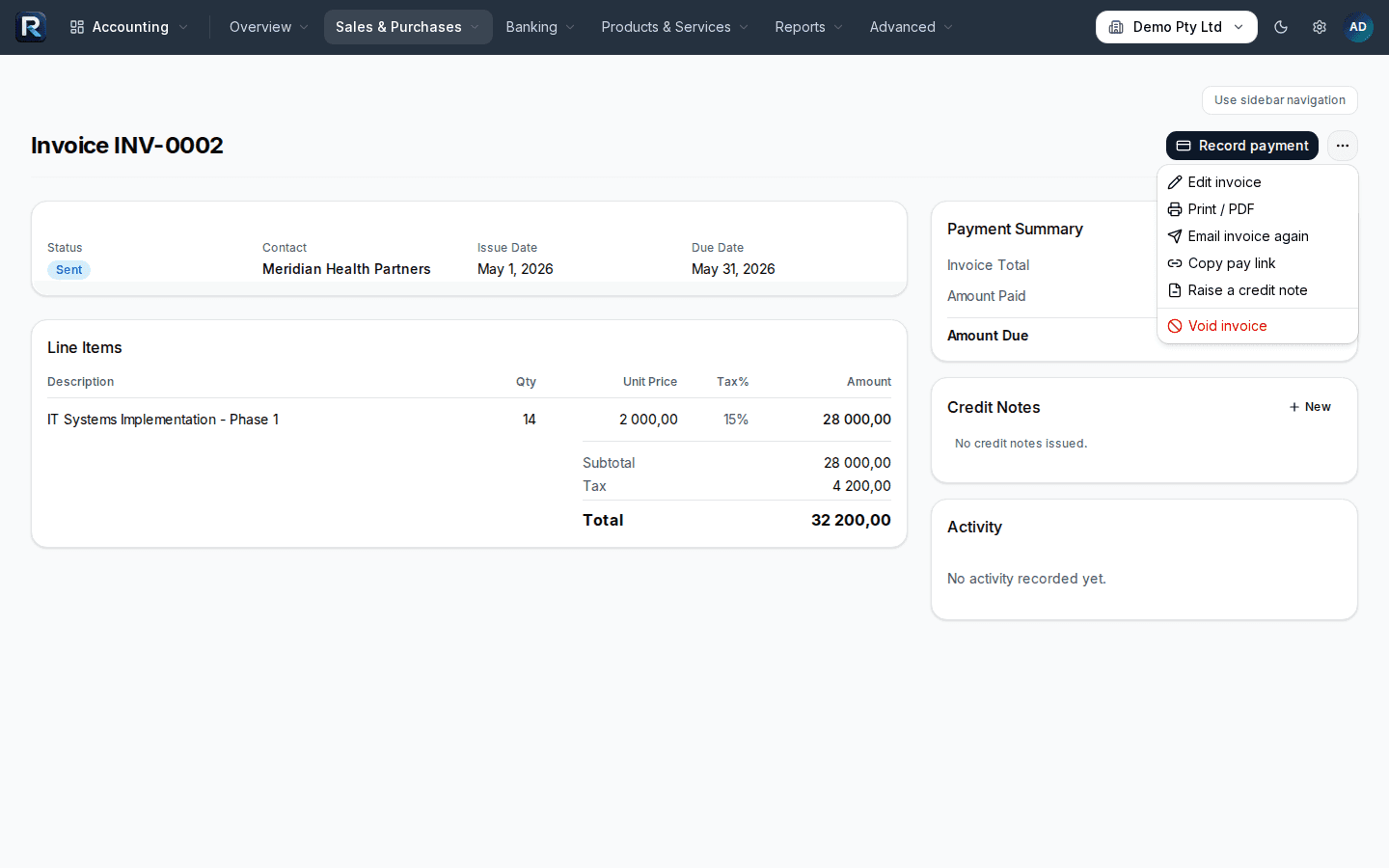
Quotes, invoices, bills, expense claims. Bank statement import with suggested categories. Trial balance, profit and loss, balance sheet, aged debtors and creditors, management packs. VAT201 figures and IRP6 estimates.
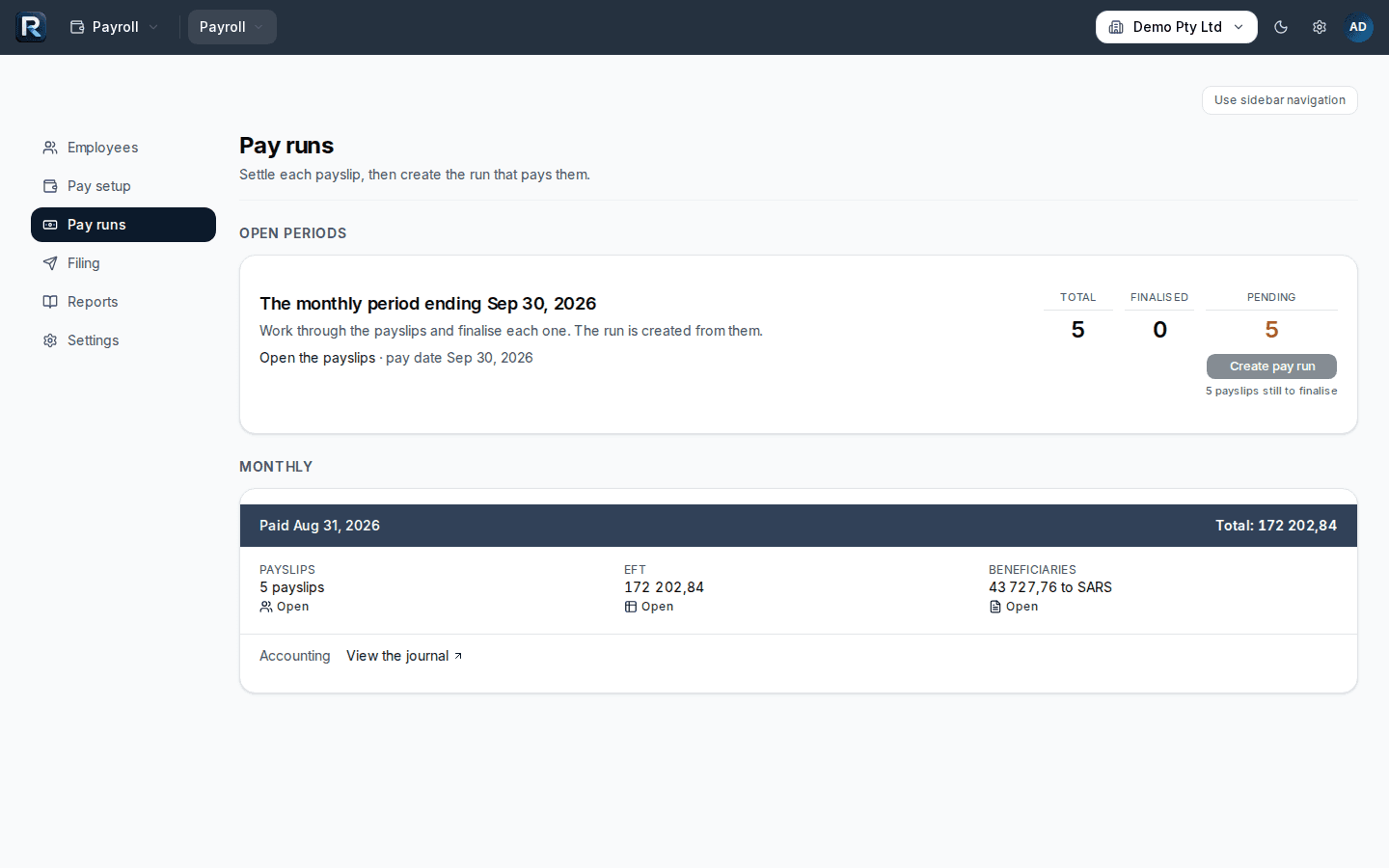
Pay runs and payslips with PAYE, UIF, SDL and ETI. Leave. EMP201 monthly. EMP501 with the IRP5/IT3(a) export for e@syFile. A portal where staff open their own payslips.
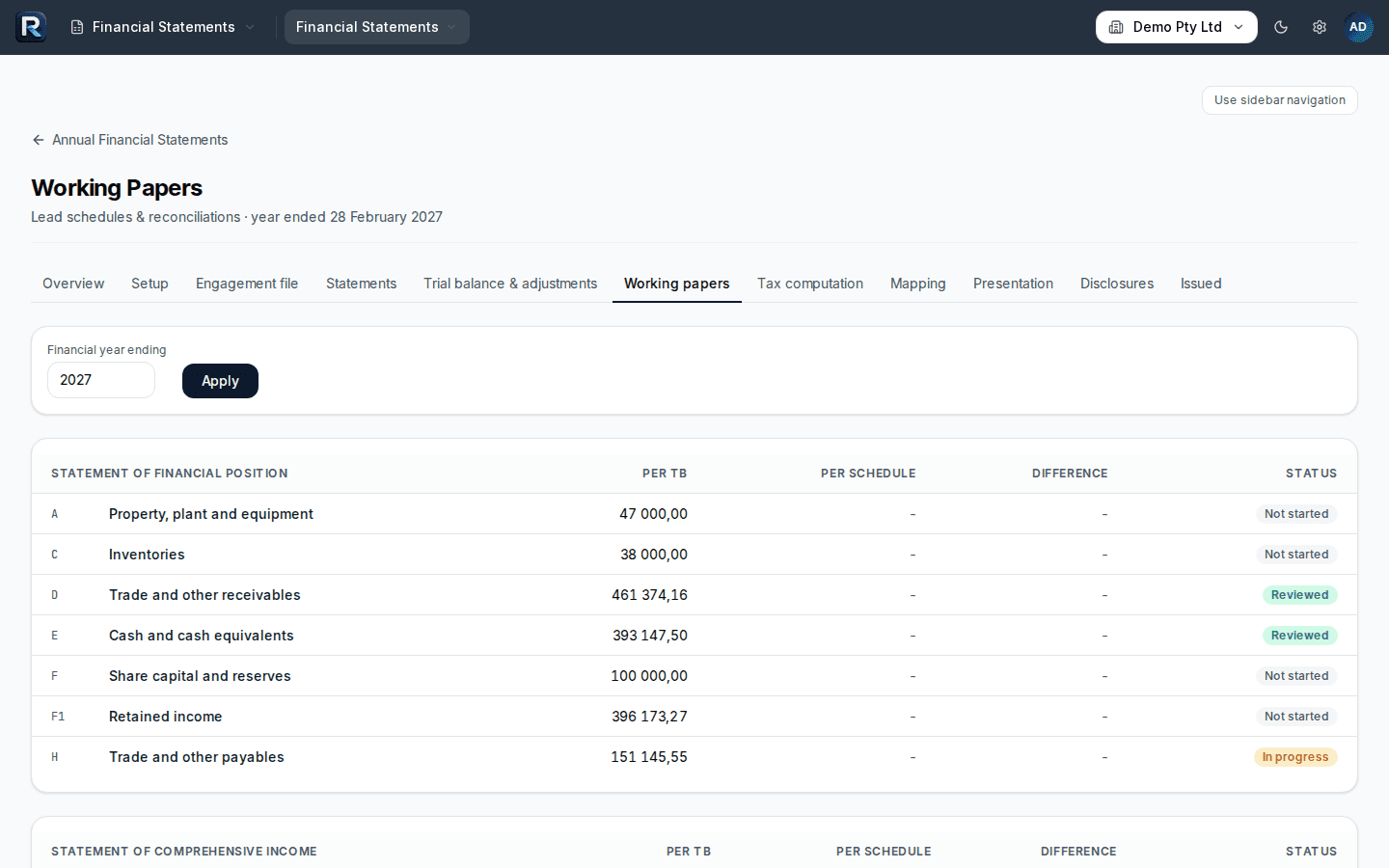
IFRS for SMEs annual financial statements from the ledger: account mapping, working papers, adjustments, tax computation, notes, PDF. An engagement file from draft to issued.
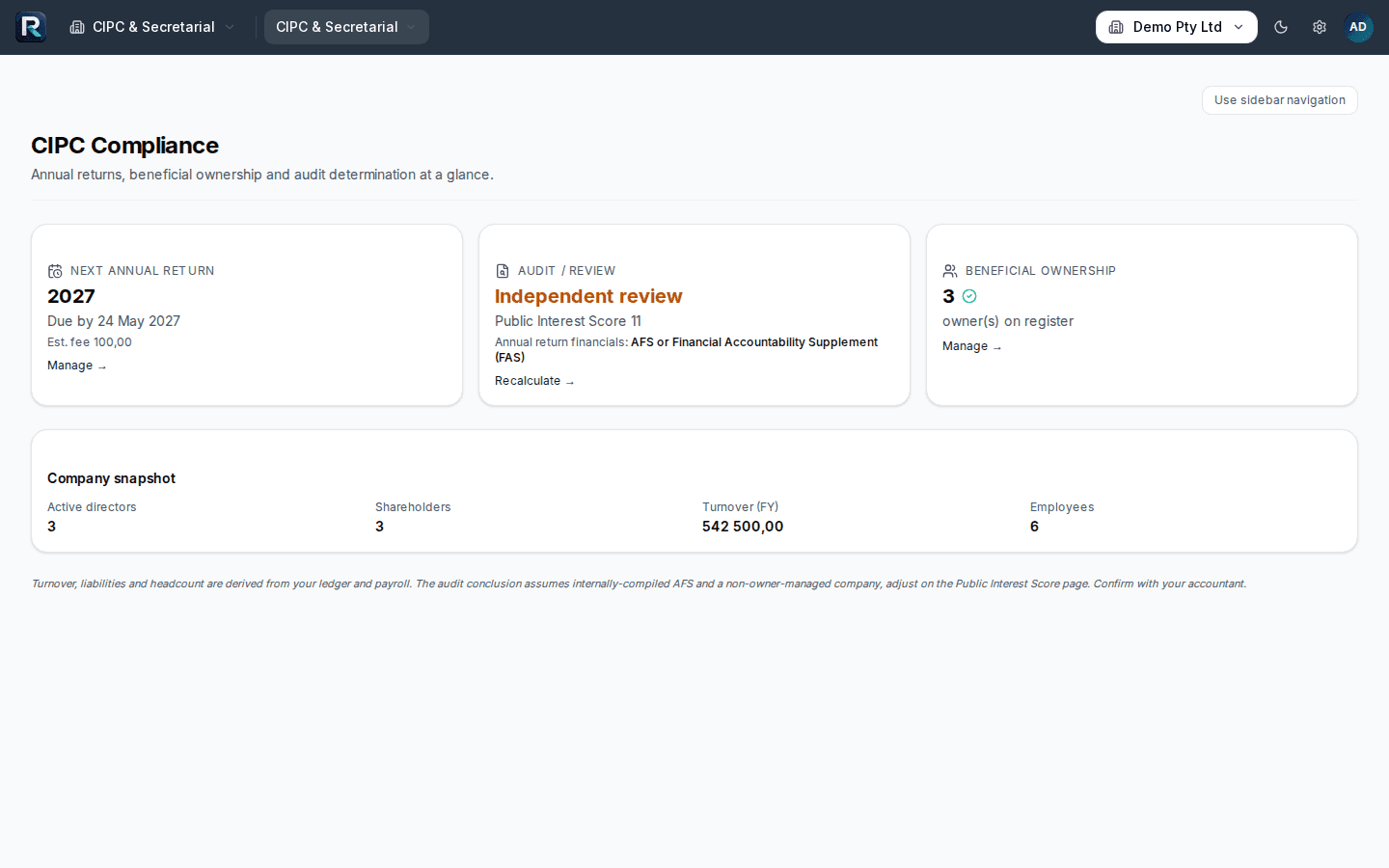
Directors, shareholders, share register, resolutions, beneficial ownership, public interest score, annual return status.
Plus Group: a combined profit and loss and balance sheet across the companies in a group, with an intercompany view.
The bank statement you reconcile, the invoices you send, the payroll you run and the returns you prepare all read from the same ledger.
Renvo prepares the figures and the export files. You submit on eFiling, e@syFile and the CIPC portal, and the calendar tells you when.
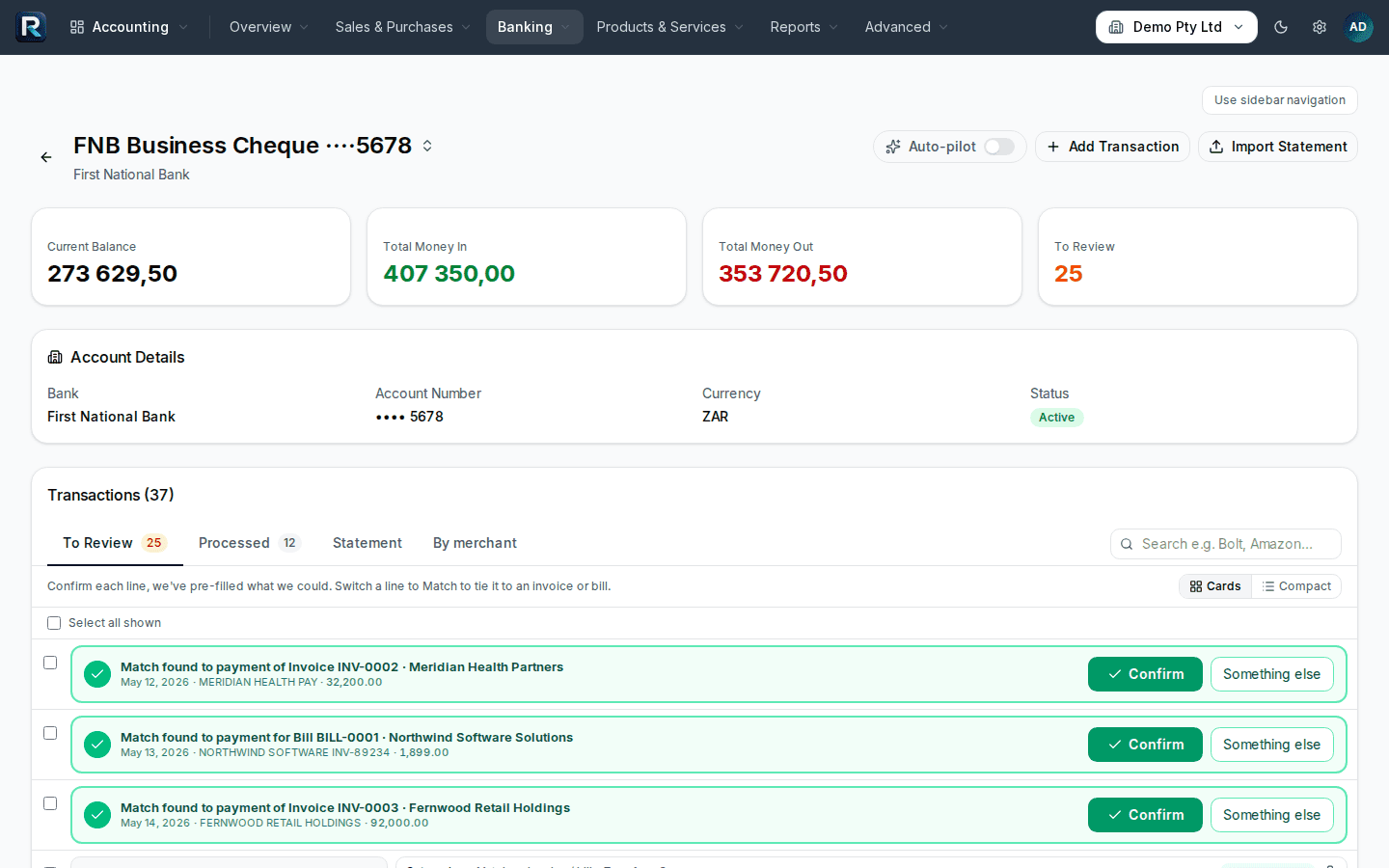
Upload a PDF, CSV or OFX statement, or email it to your company's statements address. Renvo suggests a category and a contact for each line, pairs transfers between your own accounts, applies your bank rules and flags lines that look miscoded. You approve before anything posts, then reconcile to the statement balance.
Turn a quote into an invoice. Add a pay link and the customer pays through PayFast; the payment is recorded against the invoice. Forward supplier invoices to your company's bills address and they arrive as draft bills with the supplier, date, amount and VAT already read. Reconcile supplier statements.
Each pay run calculates PAYE, UIF, SDL and ETI and posts to the ledger. The EMP201 shows what to declare for the month. The VAT returns report gives the VAT201 figures for the period. The compliance calendar shows what is due next.
For practices
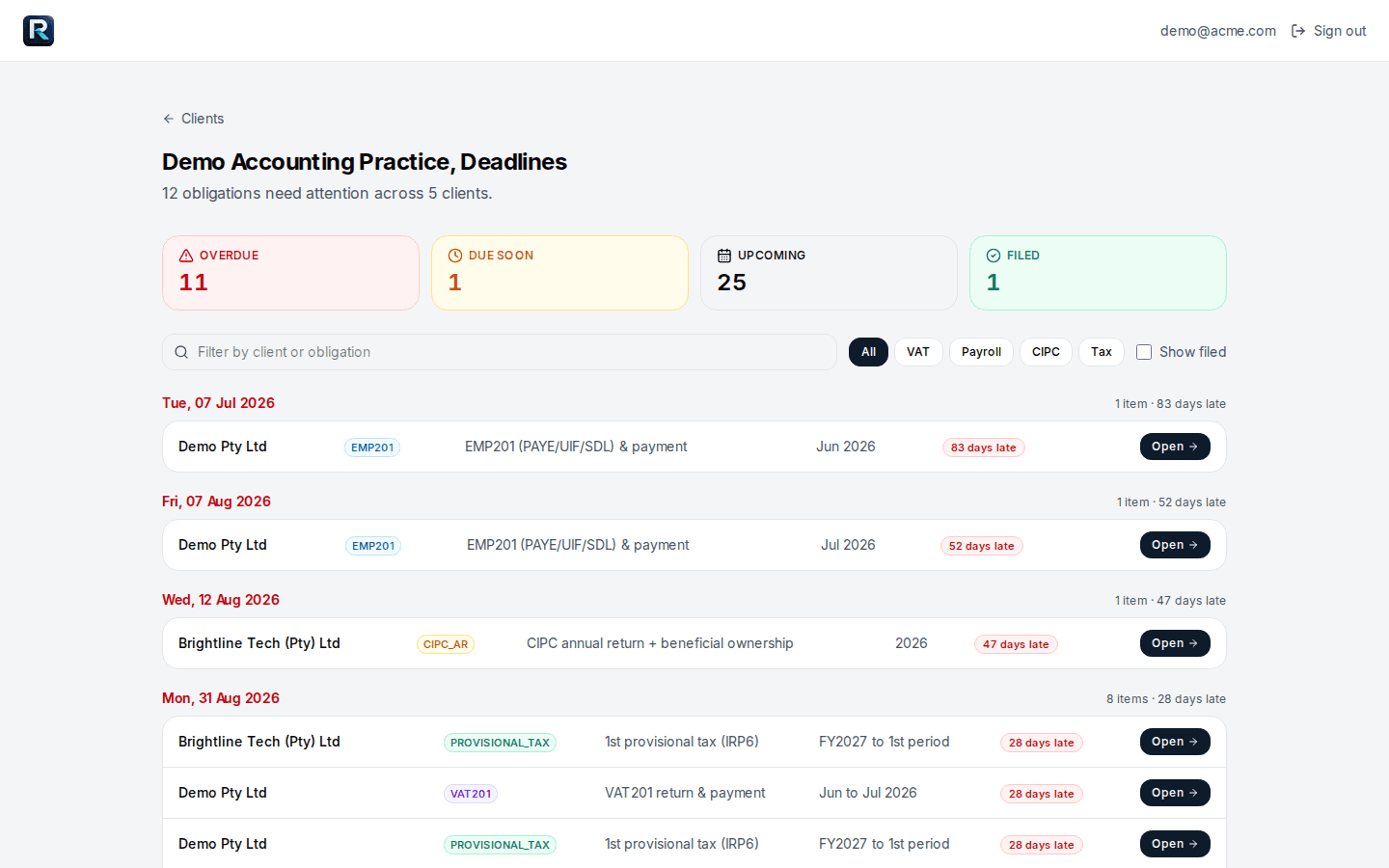
A separate ledger for each client company, switched from one picker. Invite staff to the practice and clients to their own company. One board shows every client’s VAT201, EMP201, EMP501, IRP6 and CIPC annual return dates. Each set of annual financial statements is an engagement file with review and sign-off states, not a template. When a client leaves, release the company to them with the books intact.
See Renvo for practices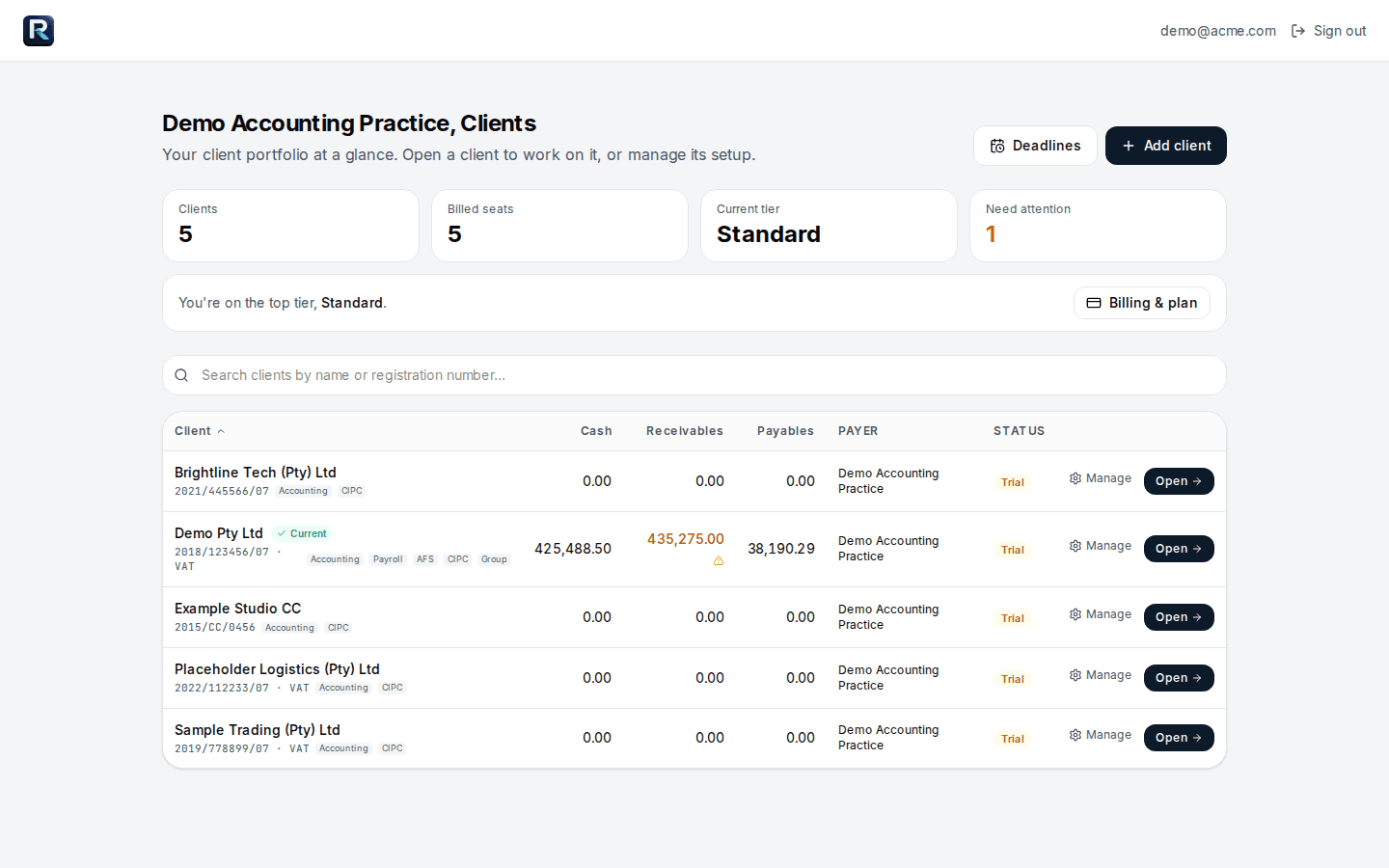
Every line below is a product fact. Confirm each one yourself inside the 14 days.
R499 per company per month after the trial, everything included. Billed monthly in Rand. Cancel anytime.
No card needed. R499 per company per month, everything included.