
How it works
A month in Renvo, in six steps.
The same ledger takes you from a bank statement to the annual financial statements. Here is what happens at each step and what you see on screen.
No card needed. R499 per company per month, everything included.
The six steps
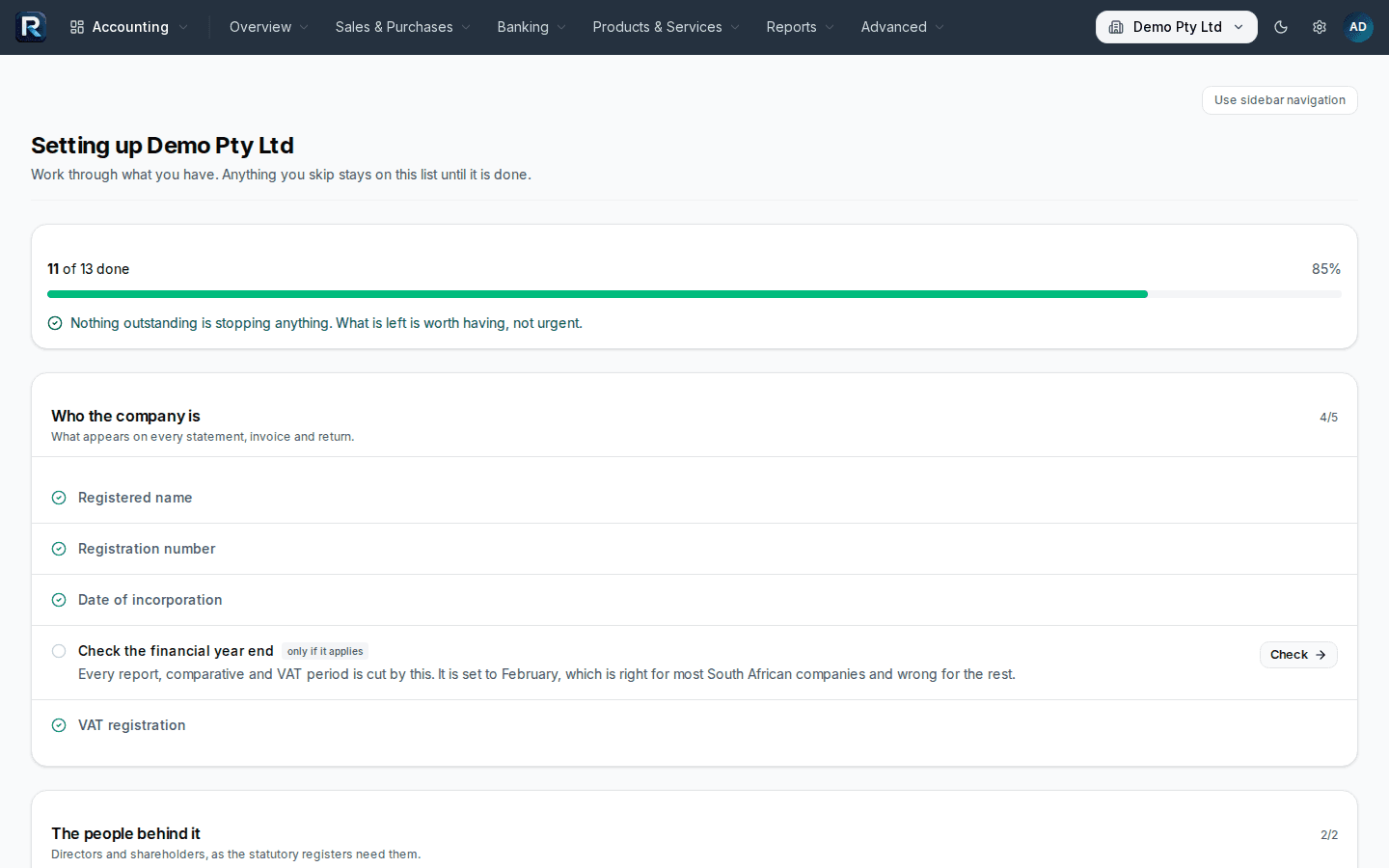
Set up the company.
The chart of accounts and South African tax rates are set up at sign-up. Enter the company details and VAT settings. Bring your own chart if you have one. Enter opening balances, or move the trial balance across from Xero, Sage or Pastel. Invite your accountant, or your team, with their own login and role.
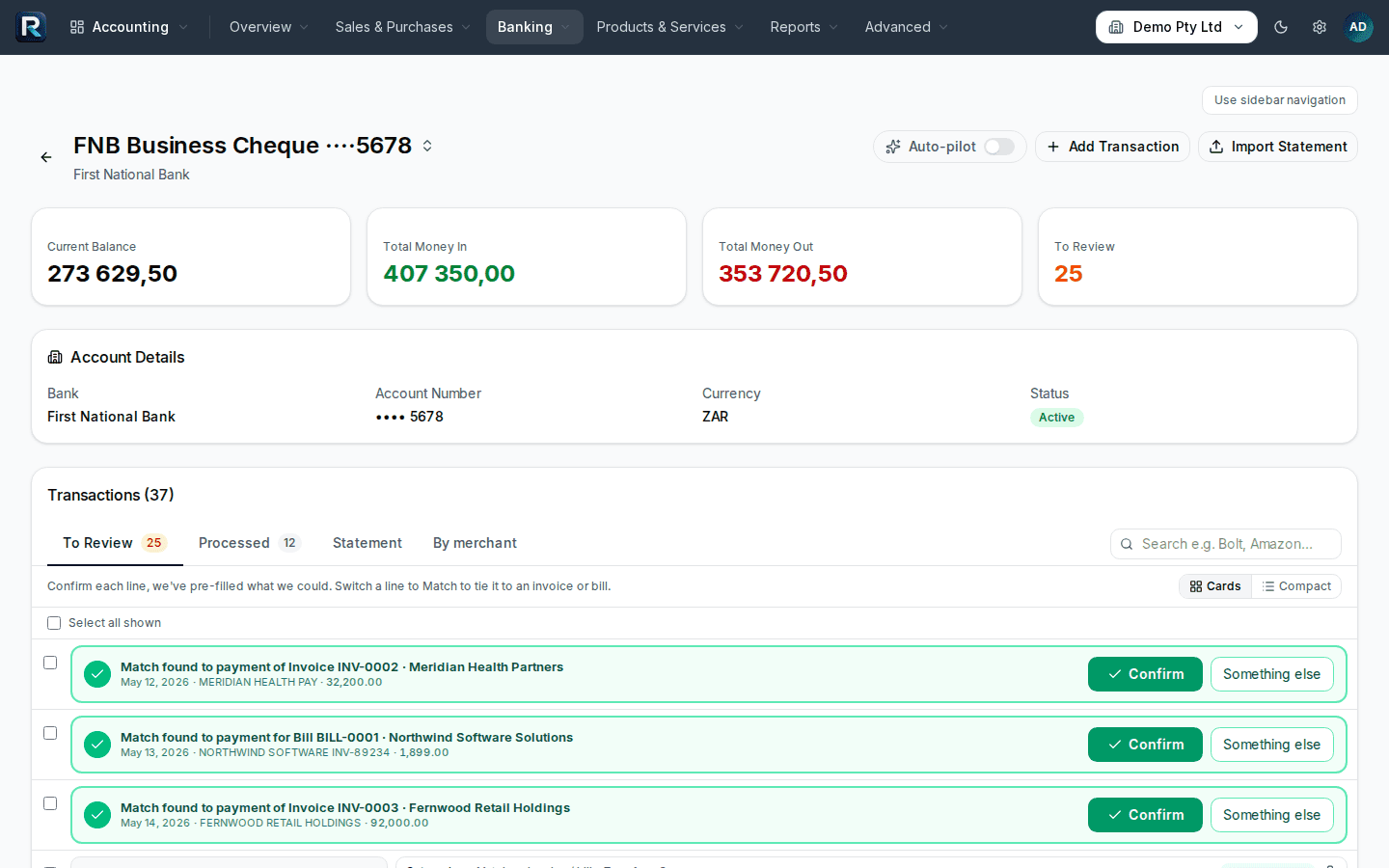
Sample company · sample data Import the statement. Accept the suggestions you agree with. Post.
Upload a PDF, CSV or OFX statement, or email it to your company's statements address. OFX works for any bank that exports it. CSV layouts are recognised for Capitec, FNB, Standard Bank, Nedbank, Absa, Investec, TymeBank and Discovery Bank. PDF statements are read from the document itself. A scanned PDF with no text layer is not read; export a text PDF from your bank, or use CSV. Renvo suggests a category and contact for each line, pairs transfers between your accounts, applies your bank rules and flags lines that look miscoded. Approve them one at a time or all at once. Reconcile to the statement balance.
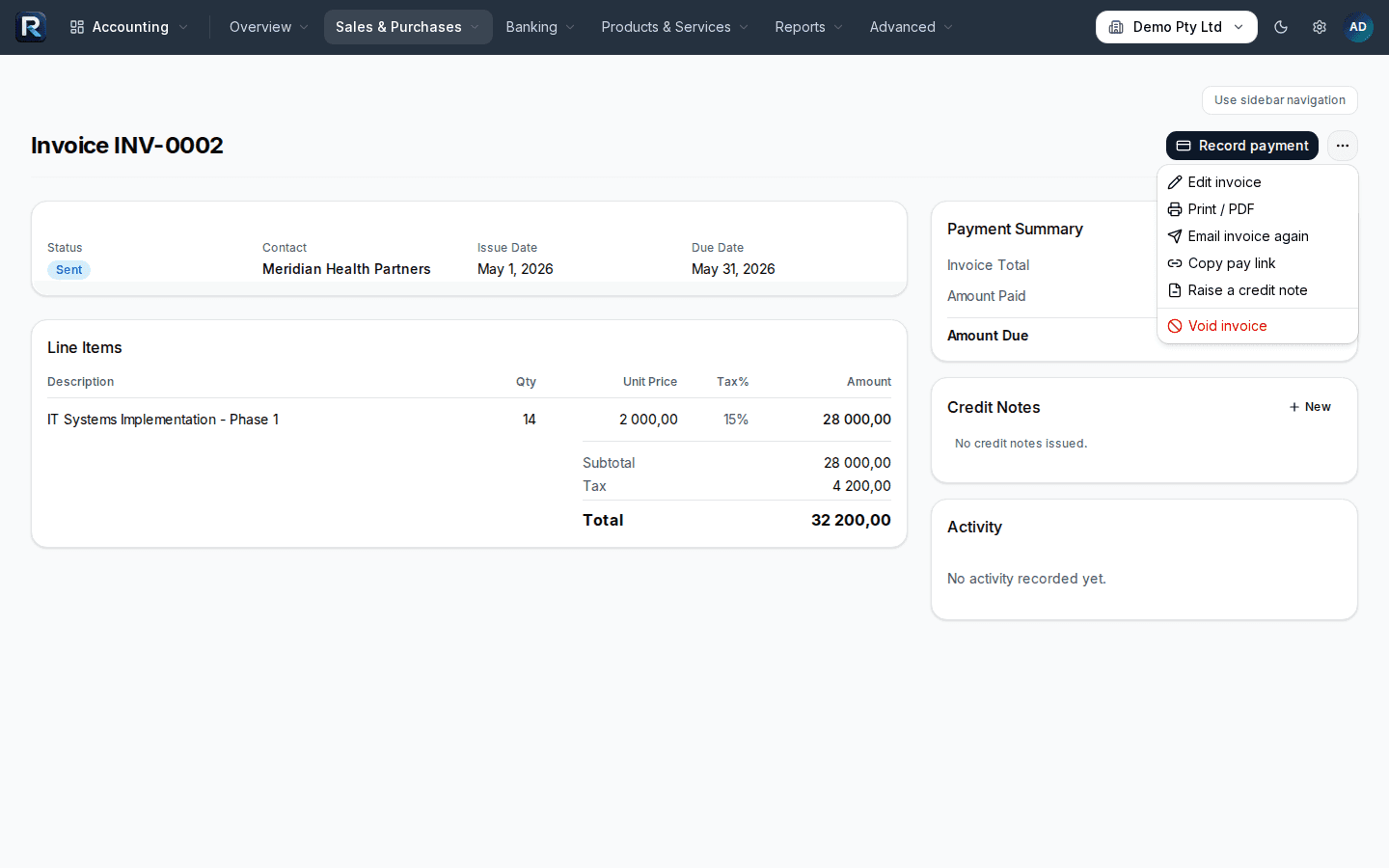
Sample company · sample data Invoice customers. Capture bills.
Quote, then convert to an invoice. Set recurring invoices for retainers. Add a pay link so the customer pays online through PayFast. Raise purchase orders and convert them to bills. Forward supplier invoices to your bills address and they arrive as drafts with the supplier, date, amount and VAT already read. Reconcile supplier statements. Record expense claims. Invoices and bills can be in a foreign currency.
Sample company · sample data 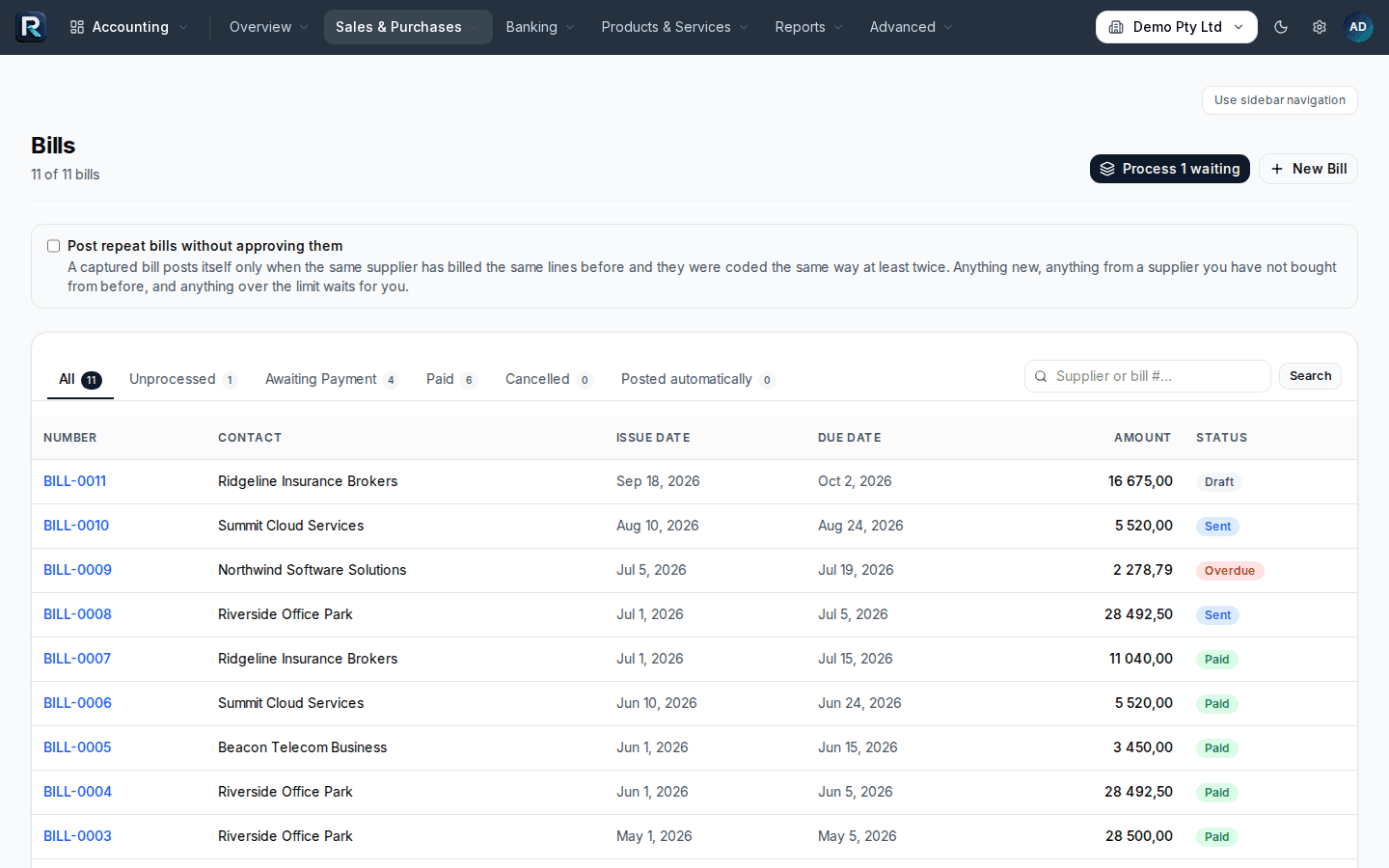
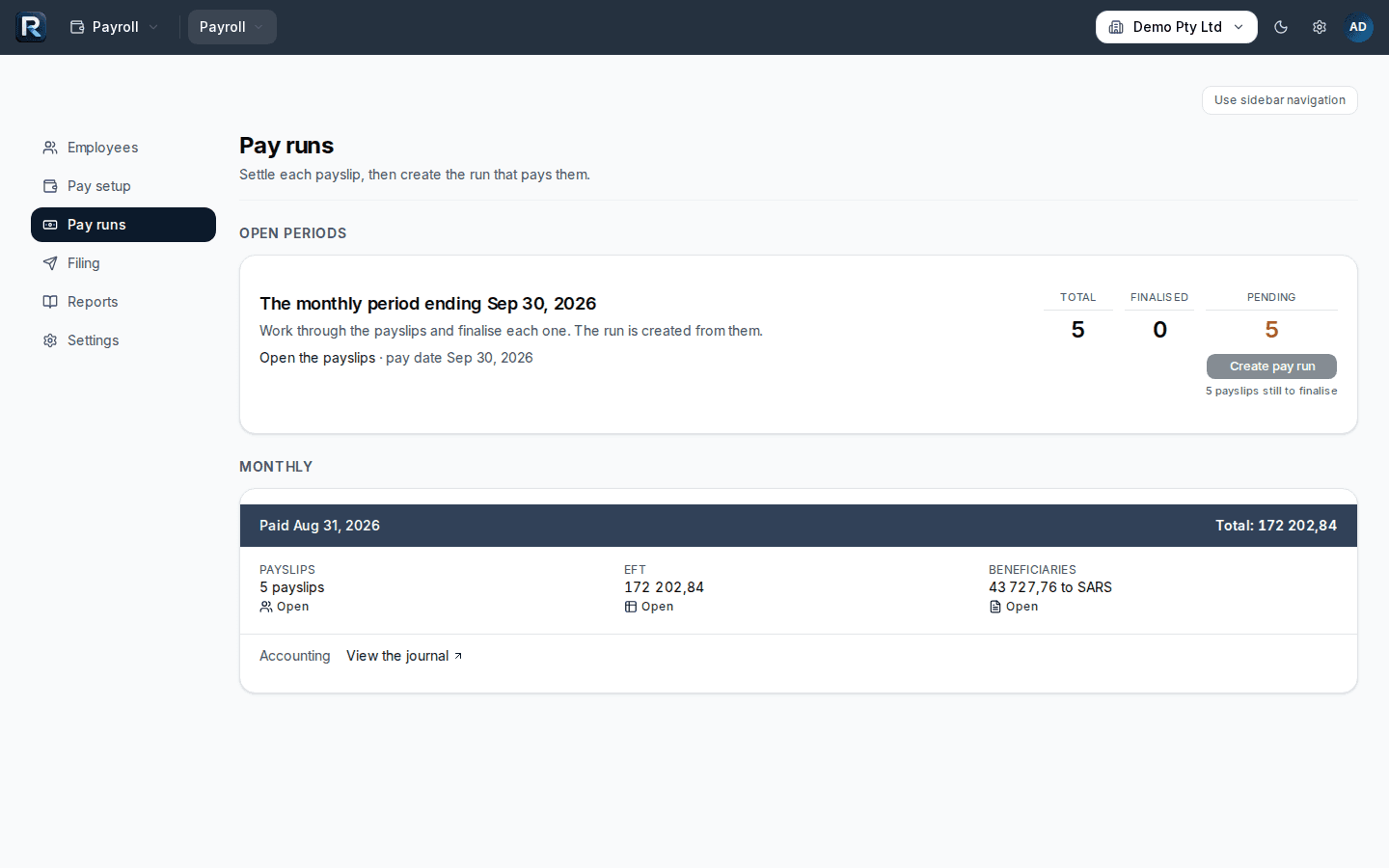
Sample company · sample data Run payroll. The EMP201 is already done.
Set up employees and pay calendars. Each pay run calculates PAYE, UIF, SDL and ETI and posts to the ledger. Finalise it and payslips go to the employee portal, where staff sign in with a link sent to them rather than a password. The EMP201 shows what to declare each month. At reconciliation time the EMP501 is prepared with the IRP5/IT3(a) export for e@syFile. Take-on balances cover a mid-year move.
Sample company · sample data 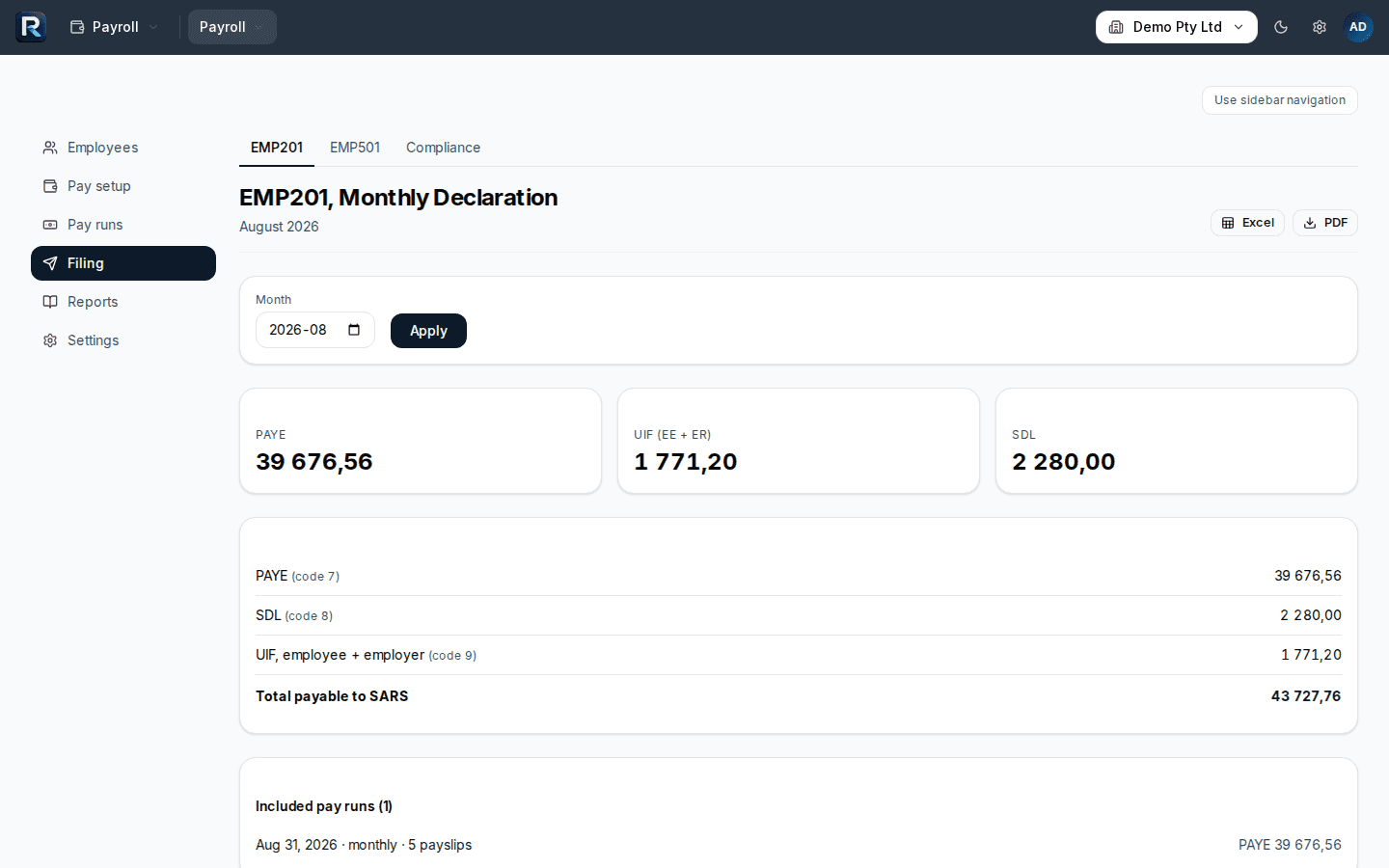
Sample company · sample data Read the numbers. Pull the returns.
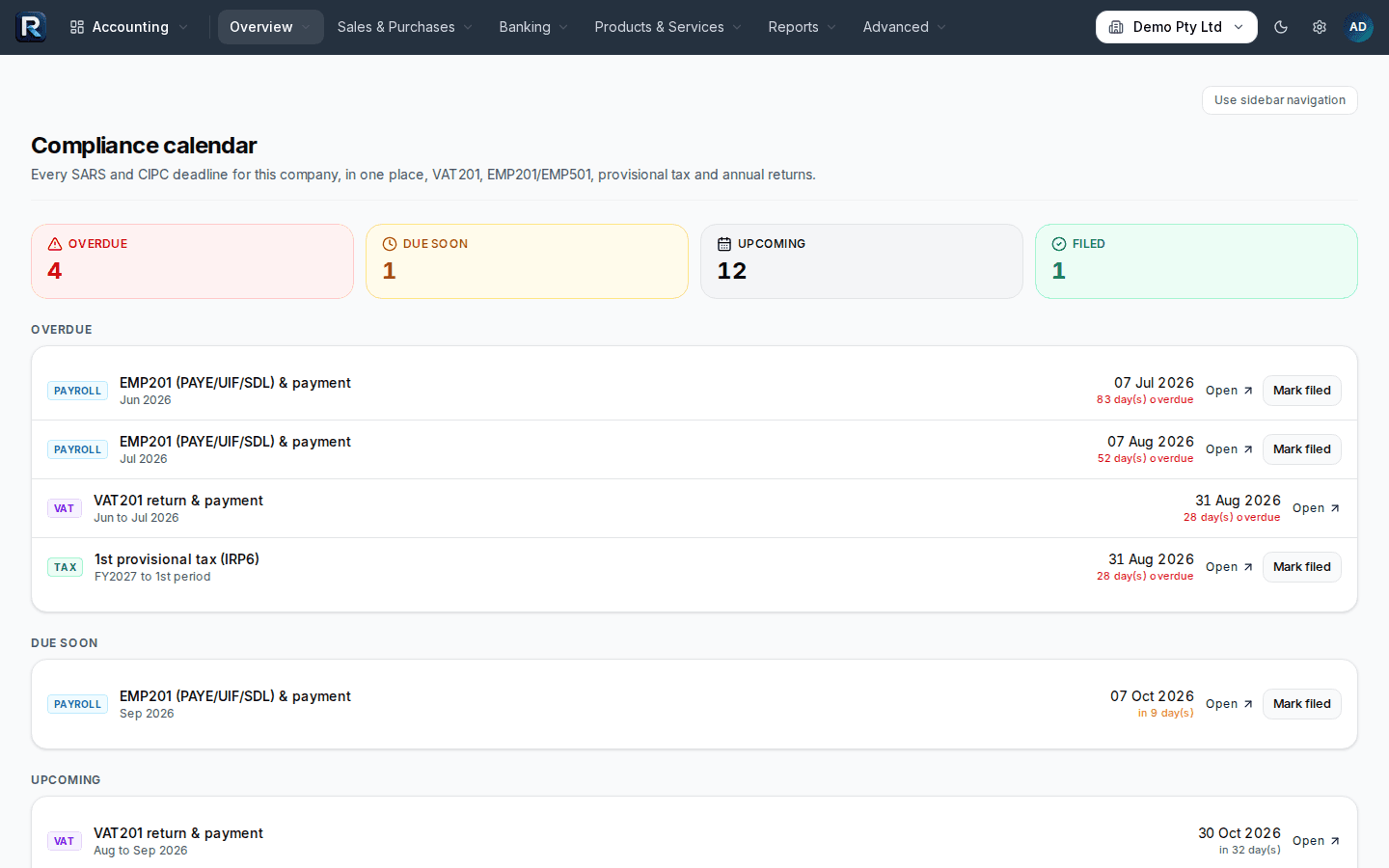
Trial balance, profit and loss, balance sheet, general ledger, aged debtors and creditors, cash flow forecast, budget variance, management packs. The VAT returns report gives the VAT201 figures for the period from the invoices, bills and credit notes recorded. The provisional tax report gives the IRP6 estimate. The compliance calendar lists this company's VAT201, EMP201, EMP501, IRP6 and CIPC annual return dates.
Sample company · sample data Close the year. Compile the statements.
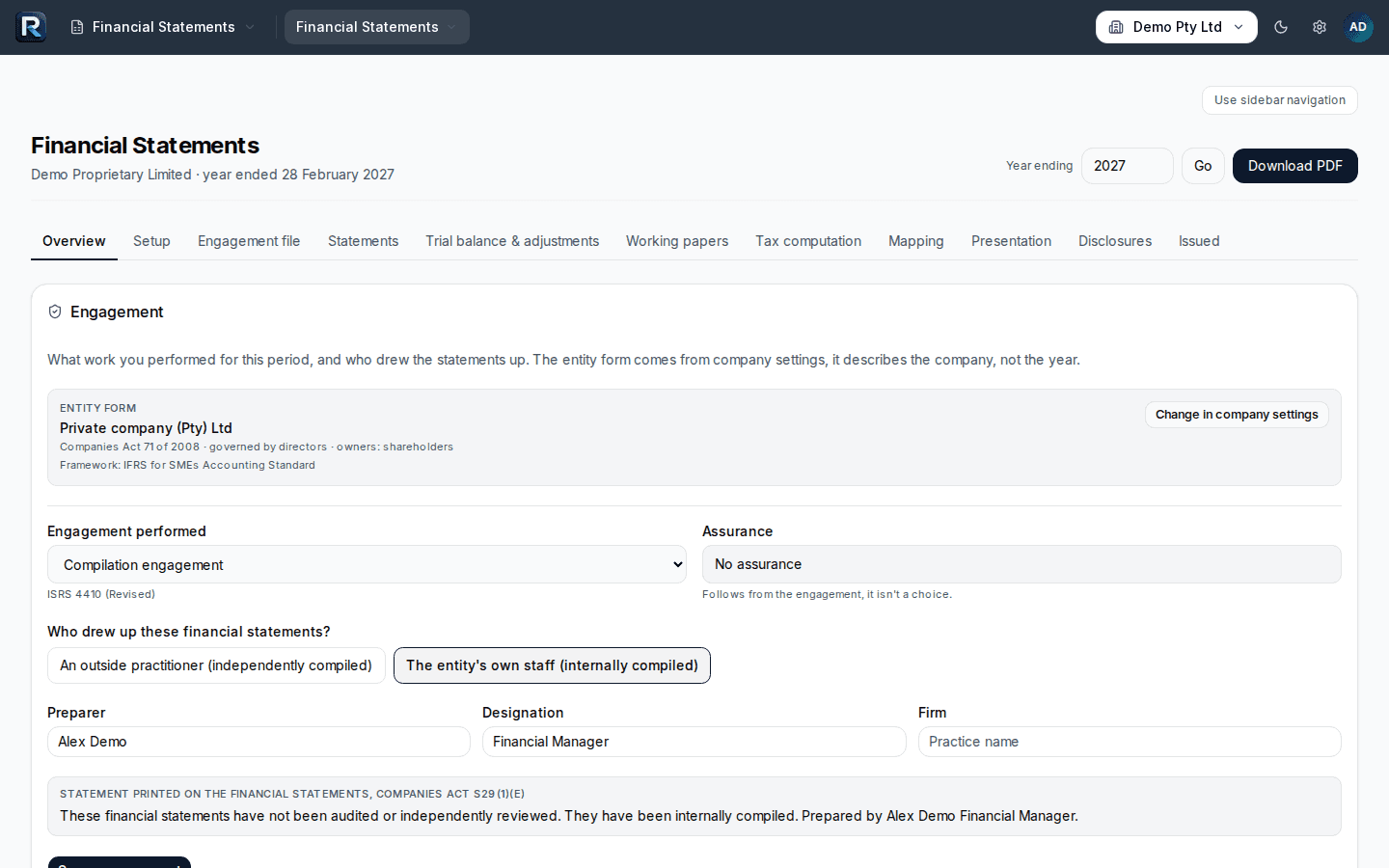
Close the period once it is signed off; nothing posts into it after that. Run the year-end close. In the Financial Statements module, map accounts, work through the working papers and adjustments, complete the tax computation and the notes, and issue the IFRS for SMEs annual financial statements as a PDF. Update the CIPC records and check the annual return status.
Sample company · sample data
Three things to know before you start.
- No live bank feeds. Statements are imported (PDF, CSV, OFX or email). You choose how often.
- No direct filing to SARS or CIPC. Renvo prepares the figures and the e@syFile export. You file on eFiling, e@syFile and the CIPC portal as you do now.
- No per-module or per-user charges. Every module is in every subscription; nothing is an add-on.
No card needed. R499 per company per month, everything included.